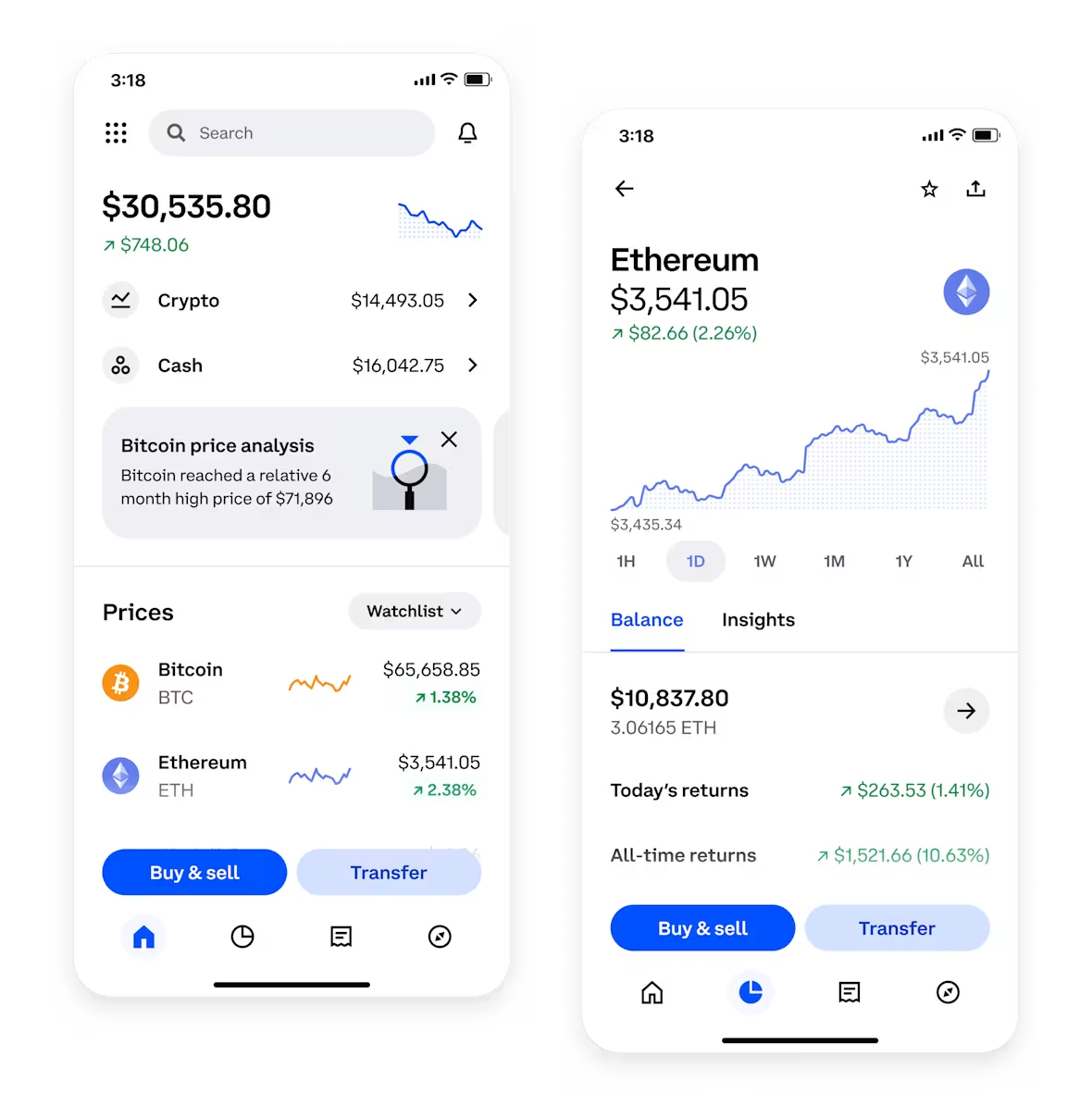

Moving cryptocurrency from a personal wallet to a Binance exchange account is a common step for users looking to sell, trade, or convert digital assets into fiat currency. However, the specific process of "withdrawing" after this transfer often causes confusion. It is crucial to understand that the term "withdraw" in this context actually refers to two distinct actions: first, depositing crypto into Binance, and second, selling or converting that crypto before withdrawing actual cash (fiat) to a bank account or card. Below is a clear, step-by-step guide on how to proceed from a wallet transfer to a successful cash withdrawal.
Step 1: Ensure Your Wallet-to-Binance Transfer is Complete
The first requirement is to have successfully sent your cryptocurrency (e.g., Bitcoin, Ethereum, USDT) from your external wallet to your Binance wallet. This involves selecting the correct network (e.g., ERC-20, BEP-20, TRC-20) within Binance to generate the correct deposit address, and then initiating the transfer from your wallet. Once the transaction is confirmed on the blockchain, the funds will appear in your Binance "Funding Wallet" or "Spot Wallet," depending on where you directed the deposit. You can verify this under the "Wallet" > "Fiat and Spot" section.
Step 2: Transfer Funds to the Spot Account (If Necessary)
Binance requires users to have funds in their "Spot Wallet" to trade or convert. If your incoming transfer landed in the "Funding Wallet," you need to use the "Transfer" function to move assets from "Funding" to "Spot." This internal transfer is free and instantaneous. Without completing this step, the sell or convert option may not be available.
Step 3: Sell or Convert Your Cryptocurrency to Fiat
To withdraw cash, you must first convert your crypto (e.g., Bitcoin) into a stablecoin like USDT, or directly into a fiat currency like USD, EUR, or GBP. On Binance, you can do this in two ways:
- Use the "Convert" feature: This simple interface allows you to instantly swap one asset for another (e.g., BTC to USDT) at the current market rate. This is the fastest option for small to medium amounts.
- Use the "Trade" > "Spot" feature: This provides access to a full order book, allowing you to set limit orders or market orders for a potentially better rate, especially with large amounts.
After the trade, your fiat balance (e.g., USD balance) will be credited to your "Fiat and Spot" wallet.
Step 4: Initiate the Fiat Withdrawal
Once you have a fiat balance, locate the "Withdraw" button on Binance. Under the "Withdraw Crypto" tab, you can choose "Fiat." You will then select your preferred currency and withdrawal method. Common options include:
- Bank Transfer (SEPA, SWIFT, or local equivalent): This is the most reliable method for larger sums. You must have linked a verified bank account to your Binance account.
- Visa/Mastercard: Binance supports withdrawal to certain debit or credit cards, though fees and processing times vary by region.
- Third-party payment processors (e.g., Advcash, Payeer): Available in some regions as an alternative.
Step 5: Complete Verification and Confirm
Before the withdrawal is processed, Binance will typically require a 2FA (Two-Factor Authentication) confirmation and, for larger amounts, may trigger a manual review or an anti-fraud check. Make sure you have completed Identity Verification (KYC Level 2 or higher), as unverified accounts cannot withdraw fiat. The funds usually arrive within 1–5 business days for bank transfers, while card withdrawals may be instant or take 24 hours.
Important Considerations
- Fees: Binance charges a flat fee for fiat withdrawals (e.g., $1-10 for bank transfers depending on currency) and a small conversion fee when you trade. Always check the fee schedule before finalizing.
- Limits: Withdrawal limits vary by account verification level. Higher limits require more personal documents.
- Tax Implications: In most jurisdictions, selling crypto for fiat is a taxable event. Keep all transaction records for reporting.
Final Summary
In short, "withdrawing" after transferring from a wallet to Binance is not a single step. The process follows a clear sequence: Deposit (from wallet) -> Transfer to Spot -> Sell/Convert to Fiat -> Withdraw Fiat to Bank. By following this exact order, users can successfully move their cryptocurrency value into their traditional bank account without errors. Always double-check the network used for the initial deposit and ensure your Binance account is fully verified to avoid delays.